
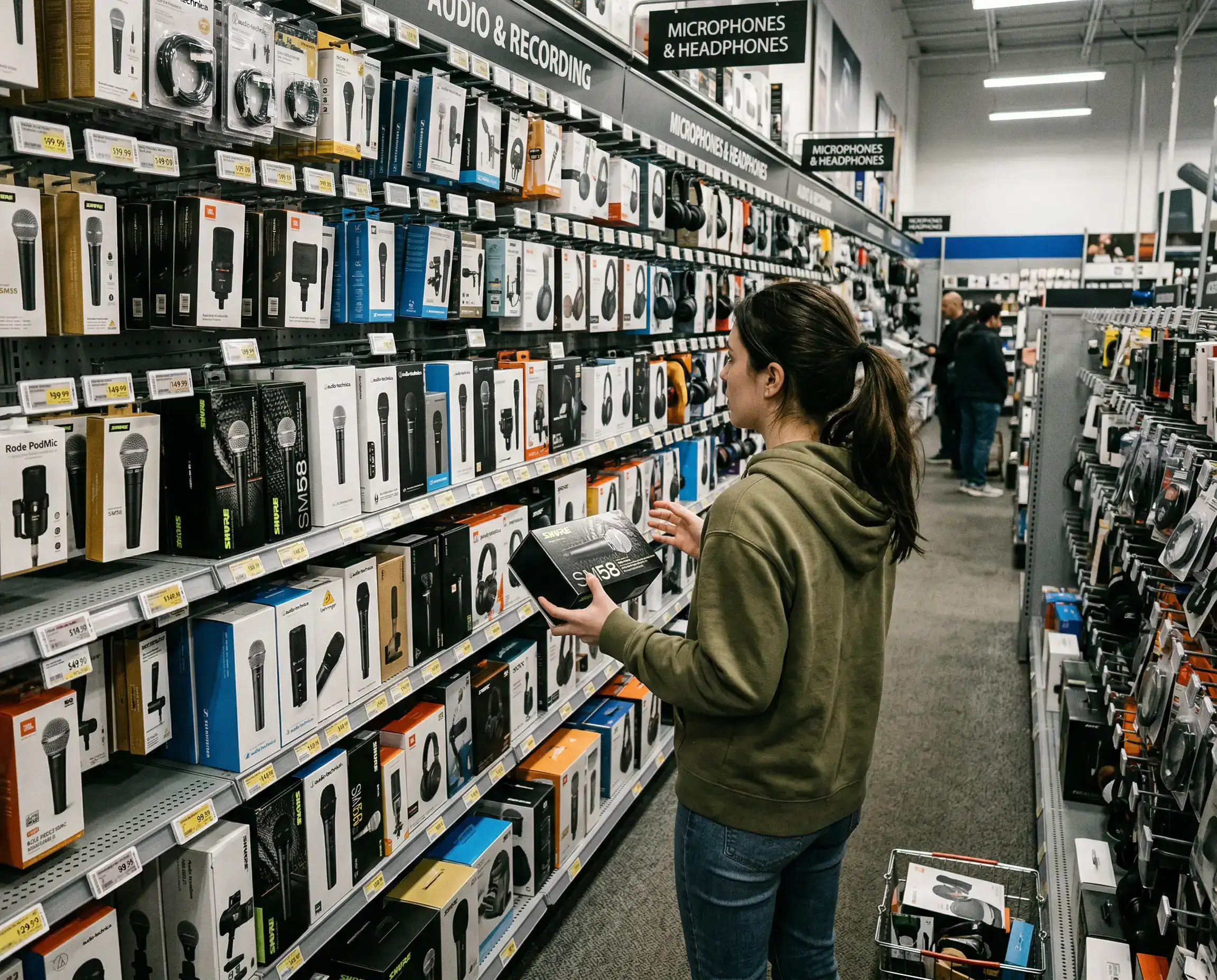
I used to think better audio meant buying the most expensive microphone I could afford. It took a few frustrating recordings to realize the mic was only one piece of the puzzle.
You can have a great mic and still end up with hollow, noisy, uneven audio. Or you can use modest gear in a well thought out setup and get something that sounds clean and professional.
So if you are recording audiobooks, podcasts, or any kind of spoken content at home, here are the tools that actually make a difference.
Most beginners start here, which makes sense.
A good USB microphone is usually enough. It is simple, plugs straight into your computer, and avoids extra setup.
Models in the mid range give you more than enough quality for audiobooks or voice work. You do not need a studio grade XLR setup on day one.
But here is what surprised me.
Switching microphones made less difference than fixing my room and mic placement.
If your space echoes or picks up background noise, even an expensive mic will capture all of it.
This is one tool people skip early on.
You need closed back headphones so you can hear what your mic is actually recording.
Not what you think it sounds like. What it really sounds like.
The first time I monitored my audio properly, I caught a low hum I had completely ignored before. It was coming from a nearby appliance.
Without headphones, I would have recorded an entire session with that noise baked in.
You do not need complicated software to get started.
Audacity is still one of the easiest options. It is free, stable, and does everything you need for voice recording.
If you want something a bit smoother in terms of interface, tools like Adobe Audition or Reaper are popular.
But honestly, the best software is the one you can use comfortably.
If you are spending more time figuring out the interface than recording, it slows everything down.
This is a small tool that makes a noticeable difference.
A pop filter sits between your mouth and the microphone and softens harsh sounds like “P” and “B.”
Without it, those sounds can spike and distort your audio.
It is one of the cheapest upgrades you can make, and it saves time in editing.
Holding a mic or placing it on a desk sounds fine in theory.
In practice, it introduces noise and inconsistency.
A stand or boom arm keeps your microphone stable and at the right distance.
It also helps you maintain consistent positioning, which keeps your audio level even across sessions.
Consistency matters more than people expect.
This is where many people overcomplicate things.
You do not need to turn your room into a professional studio.
But you do need to reduce echo.
Soft materials help. Curtains, carpets, bookshelves, even clothes.
Some people use foam panels. Others record in closets.
I have done both.
The difference between a bare room and a slightly treated space is huge. Your voice sounds tighter, clearer, and easier to listen to.
If you move beyond USB microphones, you will need an audio interface.
This is what connects XLR microphones to your computer and gives you more control over gain and signal quality.
It is not necessary at the beginning.
But if you start producing a lot of audio or want more flexibility, it becomes worth it.
Just do not rush into it before you understand your workflow.
Even with a good setup, you will still do some cleanup.
Basic noise reduction tools help remove background hiss or hum.
Most recording software includes these features.
There are also dedicated plugins that go further, but they are not required when you are starting.
The key is not to rely on them too much.
If your raw audio is messy, no plugin will fully fix it.
This is not a physical tool, but it matters.
Pay attention to your environment when you record.
Turn off fans if you can. Silence notifications. Let people around you know you are recording.
I once recorded an entire chapter only to realize faint tapping sounds were coming from a window in the background.
That was an annoying re record.
The cleaner your input, the easier everything else becomes.
When you start producing more audio, files pile up quickly.
Chapters, retakes, edits, exports.
Use clear naming from the start.
Keep folders organized by project and session.
It feels like a small thing, but when you revisit a project weeks later, it saves a lot of confusion.
If I had to rank what matters most for beginners, it would not be gear.
It would be:
Your recording environment
Your mic technique
Your consistency between sessions
Then your equipment.
That order surprised me at first.
I spent money before I spent time learning the basics, and it slowed me down.
If you want a simple starting point, here is what I would recommend:
A decent USB microphone
Closed back headphones
A pop filter
A quiet, slightly treated space
Free recording software
That is enough to produce solid, listenable audio.
You can upgrade later once you understand what you actually need.
If you are creating audiobooks or building a digital content library, your recording setup becomes part of your production system.
Once it is dialed in, you can reuse it across multiple projects.
That consistency helps your content feel cohesive.
It also makes it easier to scale.
Instead of figuring things out every time, you focus on creating.
It is easy to get caught up comparing gear, watching reviews, and waiting for the “perfect” setup.
I have done that.
But the real progress starts when you record your first clean, usable session.
Not perfect. Just solid.
From there, you improve with each project.
And over time, your setup becomes less about tools and more about a workflow you trust.